Midjourney Prompt Generator
Turn simple ideas into stunning Midjourney images. Rephrase adds composition, lighting, style tags, and camera settings to your prompts — so you get professional results on the first generation, not the tenth.
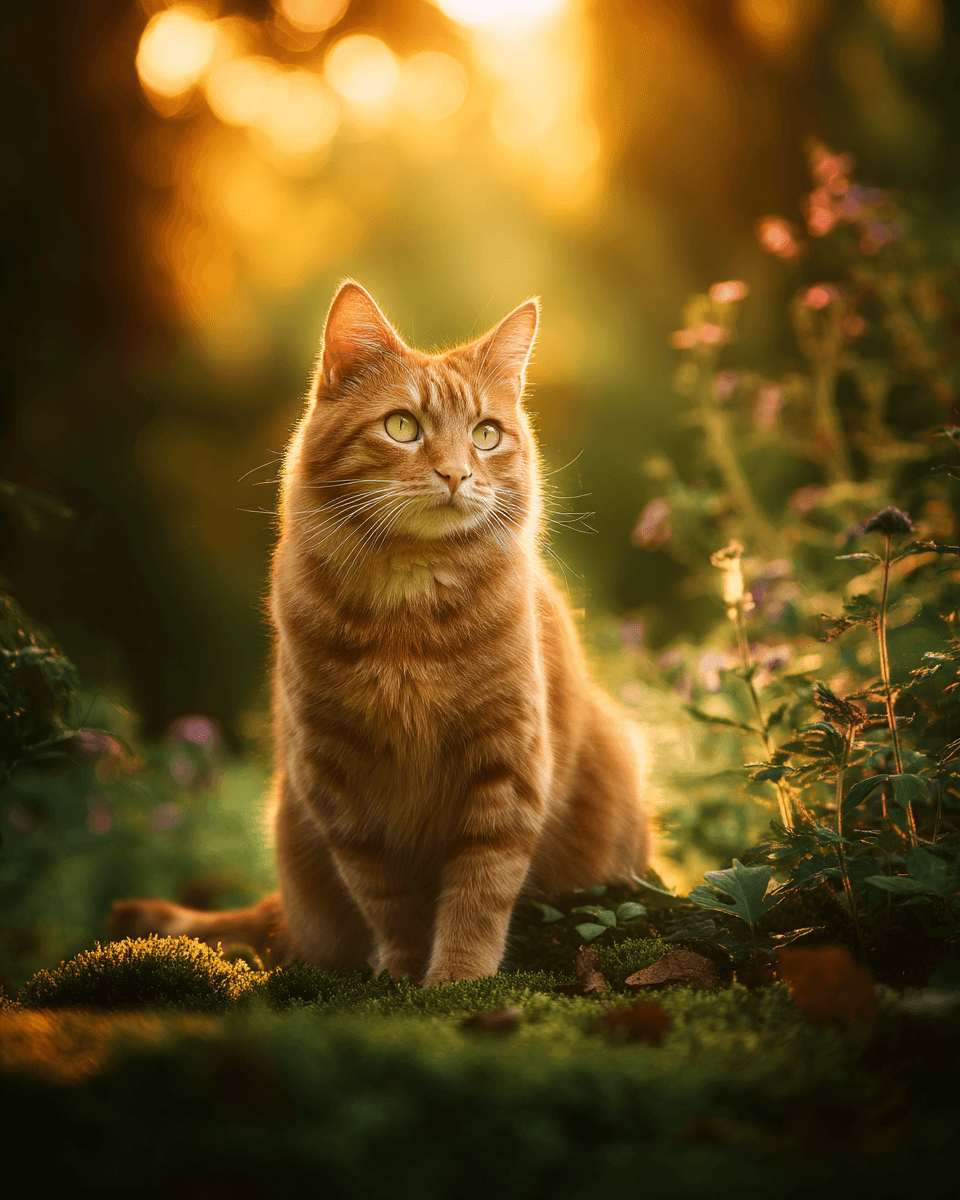
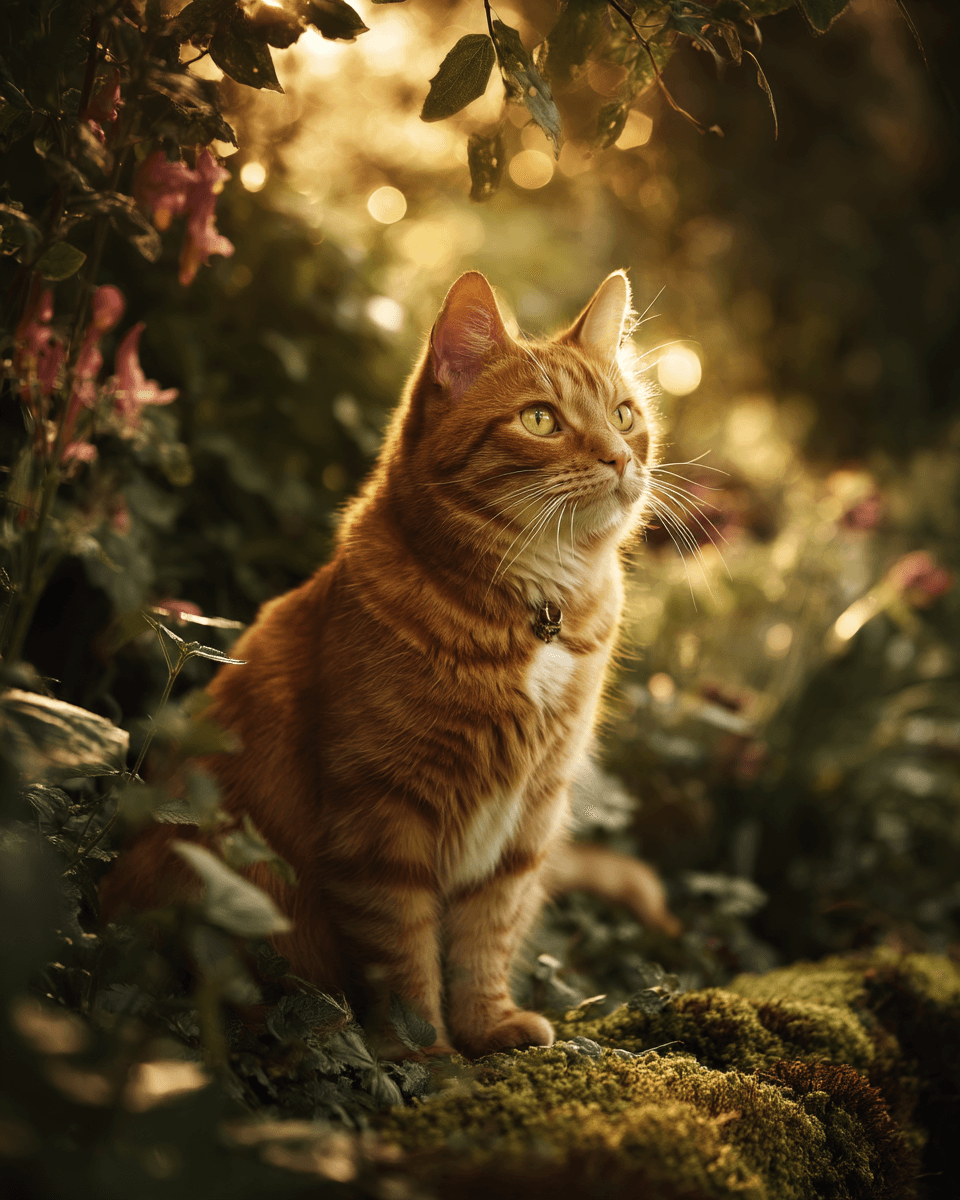
Luxurious ginger cat with sharp, alert eyes sitting on moss-covered ground in a lush garden, surrounded by wildflowers and climbing vines. Golden hour sunlight with backlighting creating warm amber glow around fur, dappled light through leaves. Medium shot, shallow depth of field focused on cat's eyes. Warm golden, emerald green, and rose color palette. Serene, cozy atmosphere. Professional photograph shot with 85mm lens
How it works
Three steps to perfect Midjourney prompts
Describe your image idea
Write a rough image concept in any app — browser, notes, Discord — or select existing text. Press Cmd+Shift+I to send it to Rephrase.
AI builds a Midjourney prompt
Rephrase analyzes your concept and generates a detailed prompt with composition, lighting, camera settings, style references, and Midjourney-specific parameters — following proven prompting patterns.
Get a production-ready prompt
The detailed prompt is copied to your clipboard in 2 seconds. Paste into Midjourney and get stunning results on the first try — no more trial and error.
Why use Rephrase for Midjourney prompts
The difference between a mediocre image and a stunning one is the prompt. Rephrase adds the details that Midjourney needs to produce professional-quality results.
Style tags and art direction
Rephrase adds precise style references, art movements, and aesthetic keywords that Midjourney responds to — from "cinematic film stock" to "editorial fashion photography" to "Studio Ghibli watercolor."
Composition and lighting
Every prompt includes camera angle, lens choice, lighting setup, and color palette. These technical details are what separate amateur prompts from professional-quality Midjourney output.
Aspect ratio and parameters
Rephrase suggests the optimal aspect ratio for your concept — 16:9 for landscapes, 4:5 for portraits, 1:1 for icons. Plus Midjourney-native parameters for stylization and quality.
Works right where you are
No need to open another tab. Select text in any application — Discord, browser, notes — press Cmd+Shift+I, and paste the detailed prompt straight into Midjourney.
Simple, transparent pricing.
Start free, upgrade when you need more. No hidden fees, no trial tricks.
Perfect for trying out Rephrase
- 10 prompt improvements
- All built-in skills
- History & search
- Global instructions
For power users and professionals
- Unlimited prompts
- Voice input with Whisper
- All Free features
- Create custom skills
- Priority support
Pay once, use forever
- Everything in Pro
- Pay once, use forever
- All future updates
- Priority support